
To help fill your day as effectively as possible, you may see some appointments being split between two or more of your team members.
For example, if a customer has booked a full head of highlights, a haircut and a blow dry you might see that the colouring is sitting in the column of your colour technician, but the haircut and blow dry is in the column of a junior stylist.
This is calculated to allow you to accept as many bookings as possible throughout the day.
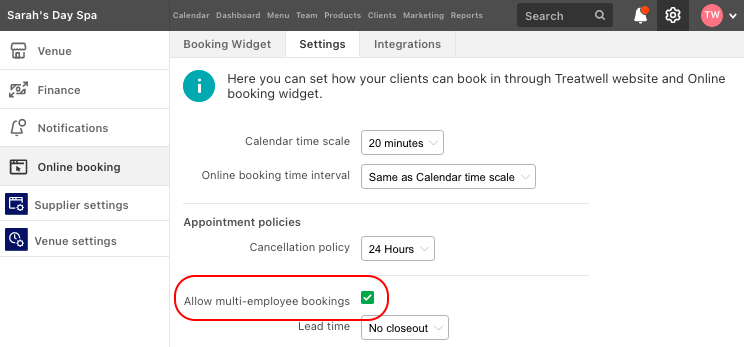
If you'd like to disable this feature (for example, if your team members are self-employed), here's how:
Go to Connect on a desktop
Go to settings, and then click "Online booking' on the left
At the top of the page, click the "Settings" tab
Untick the box for "Multi-employee" bookings
Click "Save"
Was this article helpful?